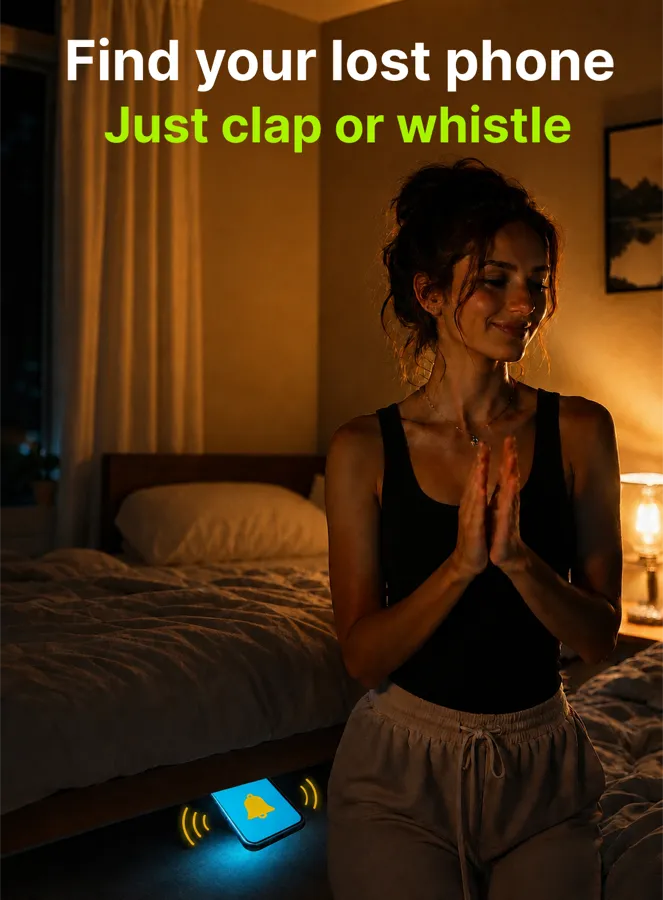
Works right across the room
Down the side of the bed, under a cushion, inside a bag on the chair. You do not have to be next to the phone, or to know roughly where it is — you just clap and listen for the answer.
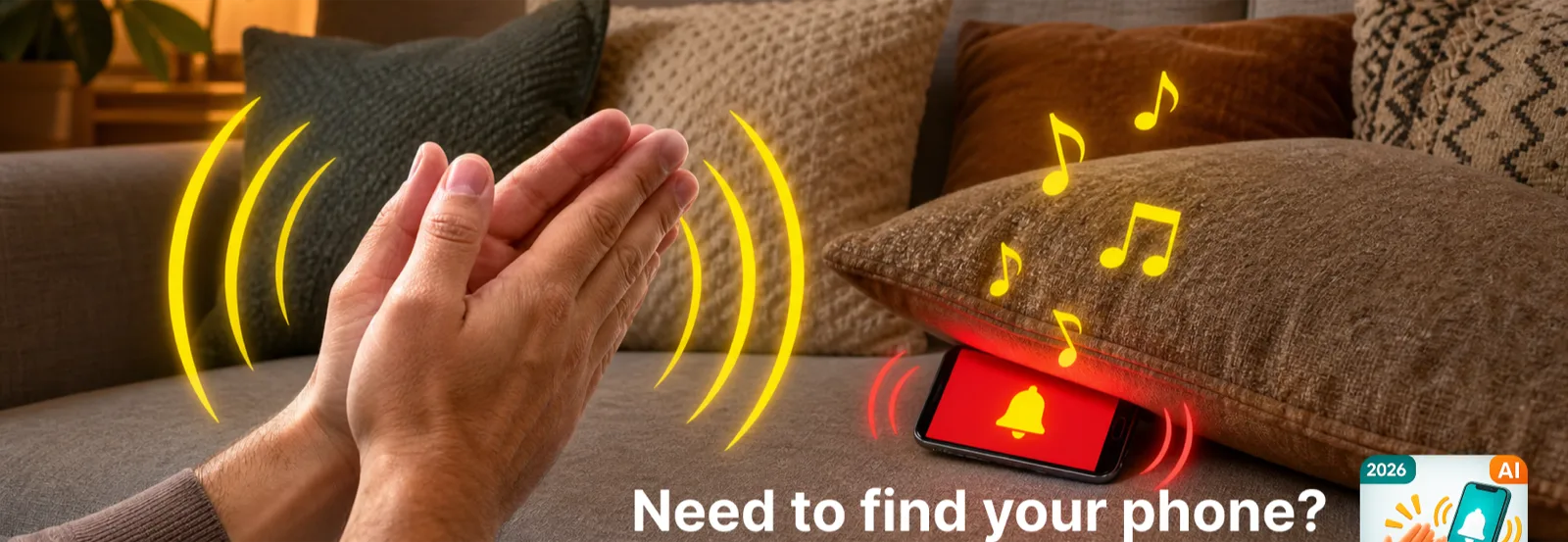
On-device sound recognition
Clap, snap your fingers or whistle — your phone answers out loud, blinks its flashlight and vibrates until you find it. Even under a cushion, in the dark.
How it works
No pairing, no account, no companion device. Everything happens on the phone you are trying to find.
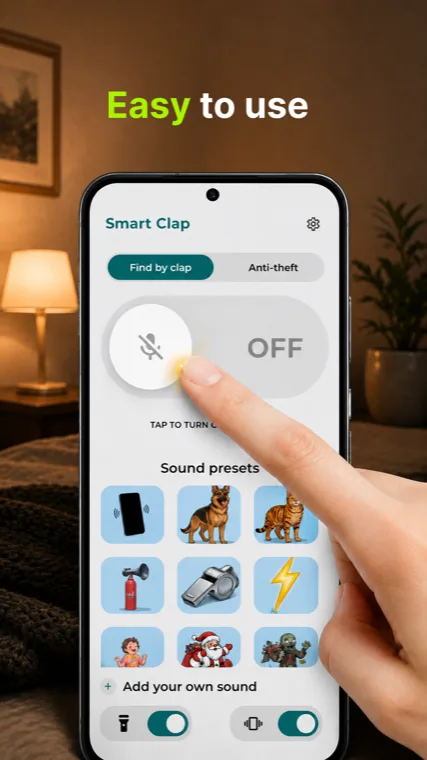
One tap on the big toggle. Choose the sound your phone should answer with, and whether the flashlight and vibration join in.
Detection keeps running with the screen off, and starts again by itself after a restart. You do not have to remember to switch it back on.
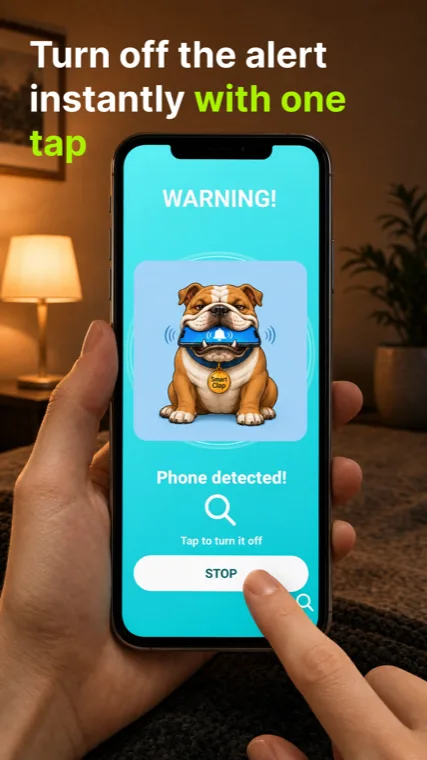
The phone answers immediately — sound, blinking flashlight, vibration — and keeps going until you reach it and tap the big STOP button.
Made for real rooms
A neural network on the phone classifies what it hears, instead of simply reacting to whatever is loudest in the room.
Down the side of the bed, under a cushion, inside a bag on the chair. You do not have to be next to the phone, or to know roughly where it is — you just clap and listen for the answer.
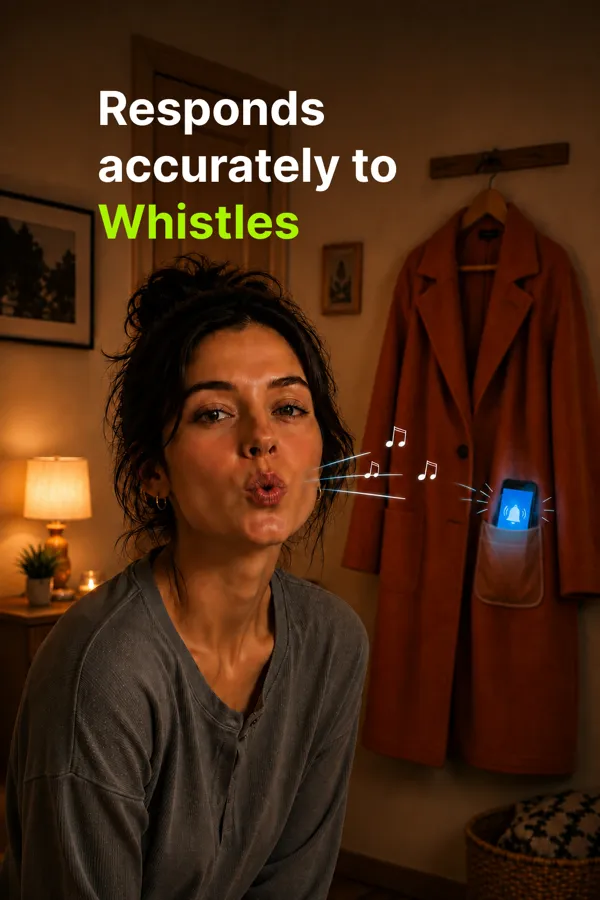
Clapping is not always practical. A whistle or a snap of the fingers works just as well, so you can start the search with a bag of shopping in each arm.
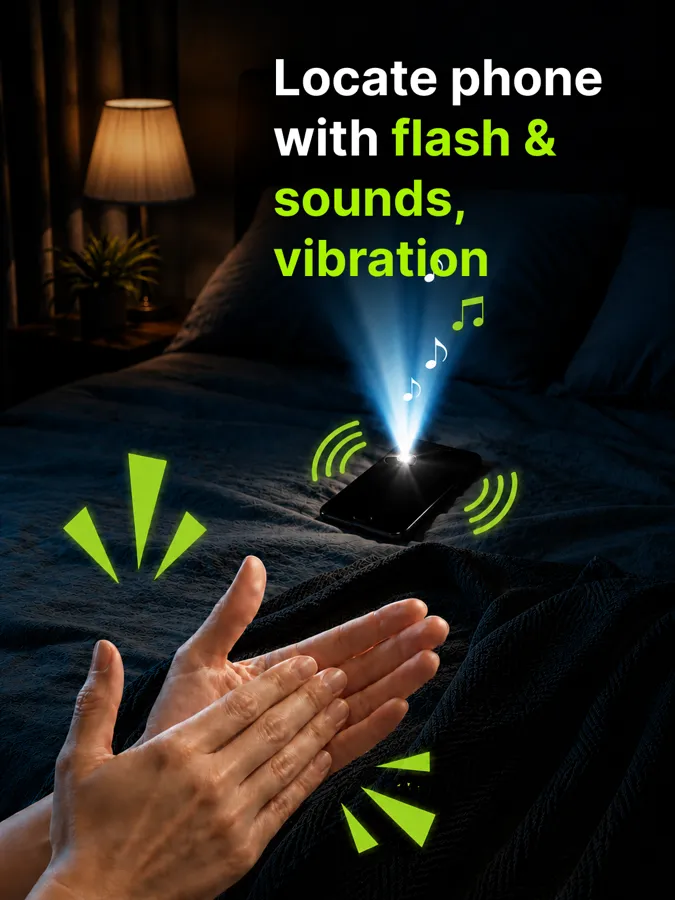
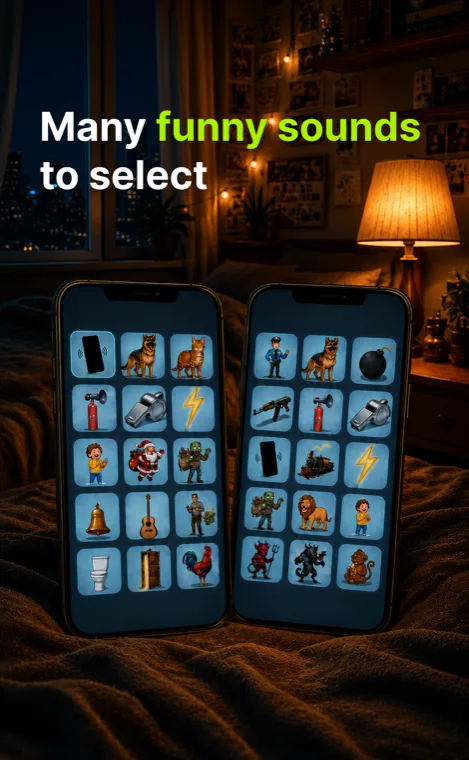
In a dark room the flashlight usually gives it away before the sound does. Pick a sound from the library, or add an audio file of your own, and switch the light and the vibration on or off to suit where you are.
Anti-theft mode
Switch to the Anti-theft tab and Smart Clap watches the accelerometer instead of listening.
The moment the phone is lifted or moved, a full-screen alarm takes over the display and the phone starts shouting. It is useful on a café table, on a desk at work, or on a hotel nightstand overnight.
Only one tap ends it — the big STOP button on the alert screen. No menus to dig through while everyone in the room is looking at you.
Inside the app
Everything sits on the first screen: the toggle, the sound you want back, and the flashlight and vibration switches.
Privacy
Smart Clap needs the microphone to hear a clap. That is the only reason it is there, and the audio never goes anywhere.
FAQ
Yes. Detection runs as a foreground service, so it keeps working while the screen is off and the phone is locked — which is exactly when phones go missing. It also starts again on its own after the phone reboots.
Listening continuously does use power, so it is not free — but the work is deliberately small: short one-second chunks are classified on the device, with no streaming and no uploading — the listening itself never touches the network.
If you only want it at home or overnight, switch detection off with the same toggle you used to turn it on.
Only while you have detection switched on, and only to answer one question: was that a clap, a snap or a whistle. The audio is examined in one-second chunks held in memory and thrown away immediately — it is never recorded, never written to storage and never sent off the phone.
Turn the toggle off and the app stops listening entirely.
Yes. Smart Clap is free and supported by ads through Google AdMob. If you would rather not see them, there is a single one-time Remove Ads purchase — no subscription.
Android phones and tablets, from Google Play. The Play listing is the authority on whether your particular device is supported — it checks before it offers you the install.
The app needs a microphone to hear you, and the flashlight response needs a device with a camera flash. There is no iPhone version.
Free on Google Play, with an anti-theft alarm and a library of sounds to answer in.